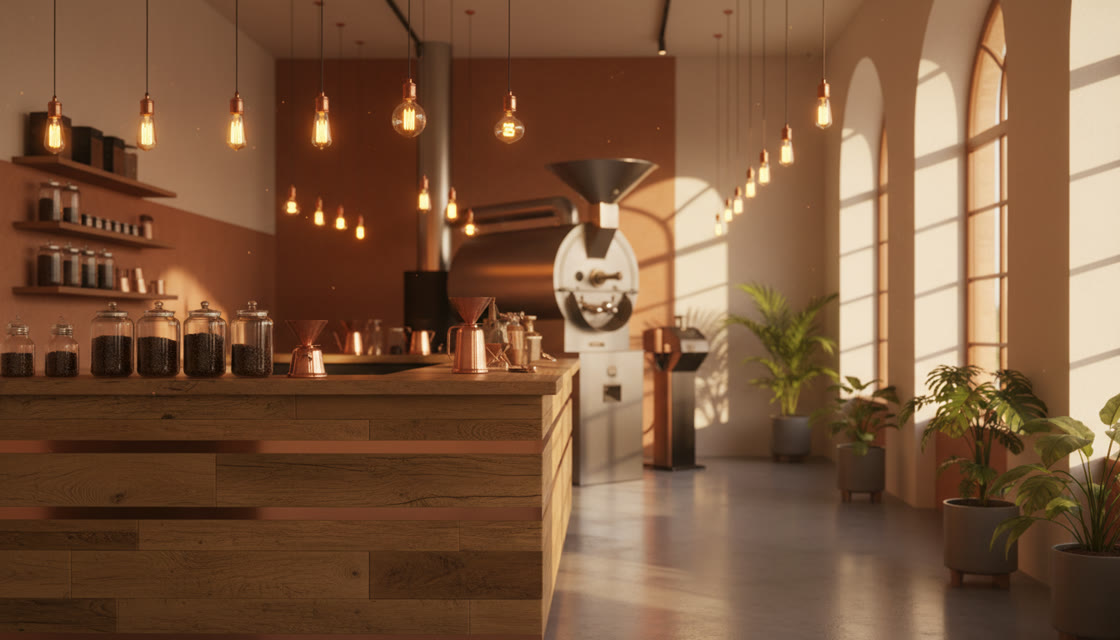
Generate the new design from your live URL, then bring it into WordPress the way that suits your setup — a child theme template, a builder section, or an HTML block.
Ember & Oak is a family owned coffee shop. We serve coffee, tea, muffins and more. Come visit us today!! Click here to see our prices. We are open Mon-Sat.
WordPress is the easiest common platform to bring an external design into, because it will accept raw markup at several different levels. Which route you take depends on how your site is built.
Three routes in, roughly by difficulty
The simplest is a Custom HTML block in the block editor: paste the exported markup into a page and it renders. Good for landing pages and one-off pages, awkward for anything that needs to share a header and footer.
The middle route is a page builder. Elementor, Divi and similar all accept custom HTML widgets, so a generated section can be dropped into an existing builder layout.
The thorough route is a child theme with a custom page template — more work, but it gives you proper template reuse and keeps the design in version control rather than in the database.
What you keep either way
Posts, pages, media library, users, plugins and their settings all live in WordPress and are untouched by a front-end redesign.
That's the reason a WordPress redesign is less risky than it sounds: you're changing the presentation layer, not migrating the site. WooCommerce carts, contact form plugins and membership systems keep working because they're server-side.
Where it gets awkward
Dynamic templates — archive pages, single post templates, WooCommerce product pages — are generated by PHP from the database, so pasted HTML doesn't fit them directly. Those need a developer to convert the generated markup into template files.
Static pages are straightforward. Dynamic templates are a genuine build task, and it's worth knowing that before you start rather than halfway through.
Common questions
Will a redesign break my plugins?
Plugin functionality is server-side and unaffected. Plugin output that relies on your old theme's CSS classes may need restyling.
Can I keep my current theme?
Yes if you're pasting sections into pages or a builder. Replacing the theme's templates is a separate, larger decision.
Do I need a child theme?
Only for the template route. If you use a child theme, your changes survive parent theme updates — which is the main reason to bother.
What about WooCommerce product pages?
Those are dynamic templates. The generated design can guide them, but converting it into product templates is developer work rather than a paste.
Start with a static page — an about or services page — where pasting the export is the whole job.