
Step-by-Step Guide: How to Redesign a Website with AI
Learn how to transform outdated web pages into modern, mobile-responsive, high-converting websites using automated AI layout tools and clean React code exports.
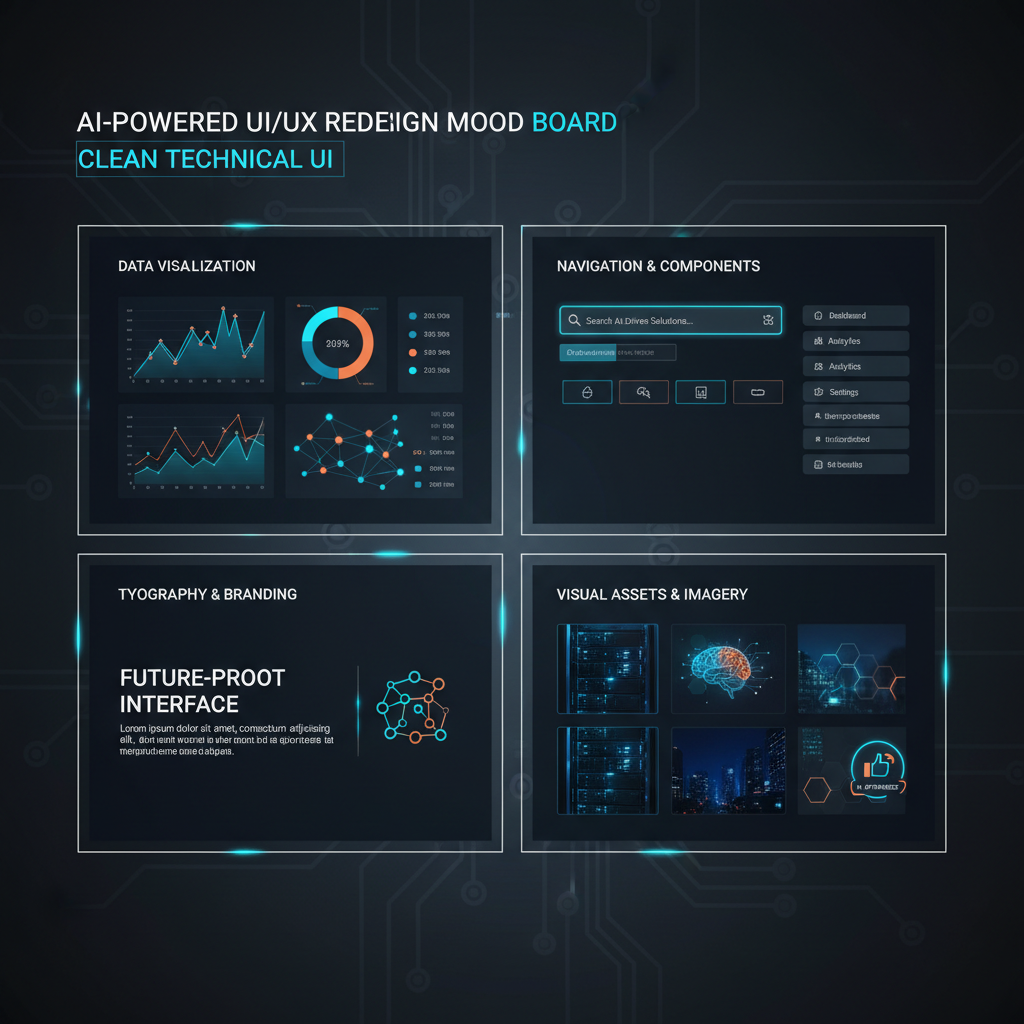
The New Standard for Web Makeovers
Traditional website redesign projects were notoriously slow and expensive. Hiring a digital agency required coordinating wireframes in Figma, writing design specifications, and waiting weeks for developers to slice vector assets into HTML code.
Generative AI tools have revolutionized website redesigns. By combining multimodal computer vision models with neural DOM parsers, AI platforms can read existing website URLs and generate modernized visual layouts automatically.
This tutorial outlines the exact 4-step workflow to redesign any live website or mockup using Redesignr.ai, from initial URL ingestion to standalone React code export.
The 4-Step AI Website Redesign Workflow
Ingest Live Website URL or Wireframe Mockup
Input your existing live website URL, PNG screenshot preview, or Figma export frame into Redesignr.ai. The neural DOM engine parses text content, image assets, brand logos, and structural layout relationships automatically.
Select Aesthetic Design System & Grid Preset
Choose a modern visual layout system like Bento Grid card layouts, Linear-inspired dark themes, or Glassmorphism containers. Redesignr transforms legacy flat HTML into modern CSS flexbox components.
Refine Visual Components & Copy with Prompts
Use the interactive visual editor alongside natural language prompt inputs to fine-tune button colors, typography scaling, image placements, and mobile responsive container rules.
Export Standalone HTML5, CSS3 & React Code
Download complete, production-ready source code bundles. Host your redesigned website on Vercel, Netlify, Cloudflare Pages, or custom web servers with 100% code ownership.
Pro Tips for Maximizing Conversion Quality
1. Optimize Mobile Viewport Containers First
Always inspect mobile layout previews in Redesignr's responsive viewport switcher to ensure touch buttons and text line-heights are easily tap-able on mobile devices.
2. Maintain Consistent Brand Color Tokens
Use prompt directives to enforce your primary brand color hex codes across CTA buttons, gradient accents, and active link states.
The AI workflow for a redesign is not the traditional one with a faster middle. Two of the five conventional phases stop being necessary, one gets harder, and the place where your time goes moves entirely. Knowing which is which is the difference between using these tools well and rerolling a generator until something looks acceptable.
What the input should be
Give it the URL of the page you want to replace, not a description of the site you want. This is the single decision that most affects the result.
A URL carries your headings, your copy, your images and your link structure as data. A description carries your best attempt at summarising them from memory. Generating from a description produces a plausible site for a business like yours, with approximated product names and generic service copy, and you then spend longer restoring your real content than the generation saved.
If the page you want to rebuild is not publicly reachable — an authenticated dashboard, an intranet page — generate from a comparable public page instead and apply the resulting system by hand.
The concept phase disappears
In a conventional redesign, concepts and mood boards exist as a hedge. Building is expensive, so everyone agrees on a direction cheaply before committing to it.
When a complete page takes under a minute, the hedge costs more than it saves. You look at finished pages instead of approximations of them, which is both faster and a more reliable basis for a decision — plenty of directions that read well as a concept fall apart against real content.
So generate several complete variants and choose. Judging finished pages is a much easier task than specifying one, and it is the task the tooling is actually good at supporting.
Where your time actually goes now
Almost entirely into review and correction. This surprises people who expect the generation step to be the work.
Expect the first result to be close rather than right. The efficient pattern is to fix structure first and details second: state the large changes in plain language to an AI editor — what should lead, what should be de-emphasised, what should move — and only then go in and adjust specific elements directly. Doing it the other way round means carefully tuning elements that a structural change is about to move anyway.
The common failure mode is regenerating repeatedly hoping for a perfect result. Two or three directions, then editing the closest one, converges much faster than resampling.
The phase that gets harder
Quality assurance, because you did not write the markup and therefore do not know where its weak points are.
With hand-built pages you generally know which parts were rushed. With generated ones you have to check systematically: the layout at awkward middle widths, focus and disabled states, what happens when a heading wraps to three lines or a price has more digits than the sample content, and whether images overflow on a narrow screen.
Generated output tends to be more consistent than hand-built output — every button comes from the same rule — but consistency is not the same as correctness, and the failures it does have are easy to miss precisely because everything looks uniform.
What AI does not do for you
It has no knowledge of your customers, your market or your commercial priorities. It reads what your page says; it cannot tell you that the service you have buried in the footer is the profitable one.
It does not decide your positioning, and a redesign that is really a repositioning is not a design project at all. It does not write your strategy, run your user research, or tell you which objection is stopping people converting.
And it does not deploy. Someone still has to put files on a server, connect the forms to something, and set up redirects if URLs changed. That last one is where redesigns lose traffic, and no generator handles it.
A realistic sequence
Pick the page you would most like to replace. Generate from its URL and look at the variants. Choose one and correct it — structure first, then details. Check it at several widths and on a real phone. Export the code, deploy it to a staging URL, and compare it against the live page before switching.
For a whole site, work template by template rather than page by page. Most sites reduce to a handful of real templates repeated with different content, so redesigning one page per template usually covers everything.
Deploy incrementally where you can. Replacing one page, watching what happens for a week, and then continuing is lower risk than switching everything at once, and it gives you evidence rather than a projection.
Give it a URL rather than a description, generate several directions instead of writing a brief, fix structure before details, and put the time you saved into checking the states and widths nobody designed.
Frequently Asked Questions
How long does it take to redesign a website with AI?
Redesigning a website with Redesignr.ai takes under 60 seconds for initial visual code generation. You can inspect, customize, and export production-ready HTML/React components in under 15 minutes.
Will redesigning my website with AI break my existing SEO rankings?
No. Redesignr retains your existing page headers, canonical copy, and URL structure while modernizing underlying CSS styling rules, which actually boosts Google rankings by improving mobile Core Web Vitals scores.
Do I need coding experience to use an AI website redesign tool?
No. Redesignr provides a visual WYSIWYG editor alongside simple natural language prompt inputs so non-technical users can make layout changes visually.
Redesign Your Website with AI Now
Experience how fast you can transform your web pages using Redesignr.ai.
Start AI Website Redesign