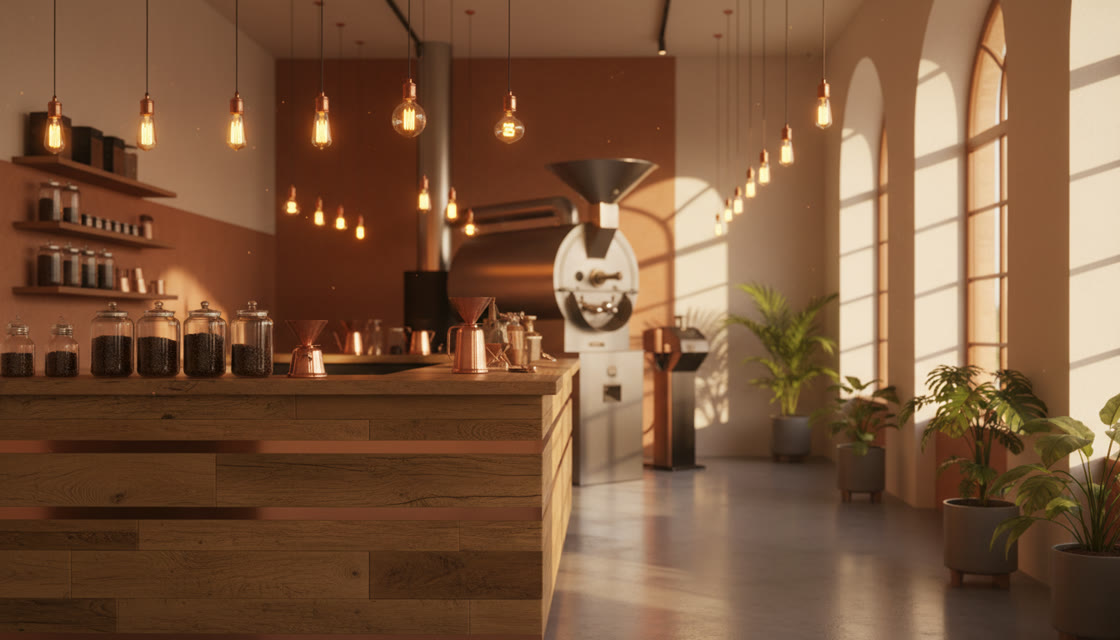
Ember & Oak is a family owned coffee shop. We serve coffee, tea, muffins and more. Come visit us today!! Click here to see our prices. We are open Mon-Sat.
Most redesigns are triggered by a moment — landing on your own site from a phone and wincing, or seeing a competitor's page and realising yours looks a decade older. Those moments rarely survive the trip to a separate tool.
Start where you noticed
The extension lets you begin a redesign from the page currently in front of you. That sounds like a small convenience, and in practice it's the difference between acting on the impulse and adding it to a list.
It's also useful for competitive work: seeing a layout you like and generating something in that direction against your own content, immediately.
One place for the whole loop
Generation, the section and theme libraries, the visual editor, the AI editor and export all live in the same app.
That matters because a redesign is not one action. Tools that only generate leave you assembling the rest of the workflow yourself, usually across three products.
Work follows you across devices
Because it's a browser app rather than an installed program, the project you started on a work laptop is the project you open at home.
Small redesigns rarely happen in a single sitting, so continuity across devices removes a common reason they stall.
Common questions
Is there a mobile app?
It's a browser app rather than a native one. It runs on a phone browser, but editing is much more comfortable on a larger screen.
What does the extension do exactly?
It starts a redesign from the page you're currently viewing, so you don't copy URLs between tabs.
Can I redesign a competitor's page?
You can generate from any public URL. What you ship should be your own content and branding — take the layout ideas, not their copy.
Do I need the extension to use the app?
No. Pasting a URL into the app does the same thing; the extension only removes a step.
Install the extension and use it the next time a page annoys you.