
How to Update Website Design Without Coding
Revamp outdated web pages, improve user experience, and boost lead conversions using visual AI layout tools—zero coding experience required.
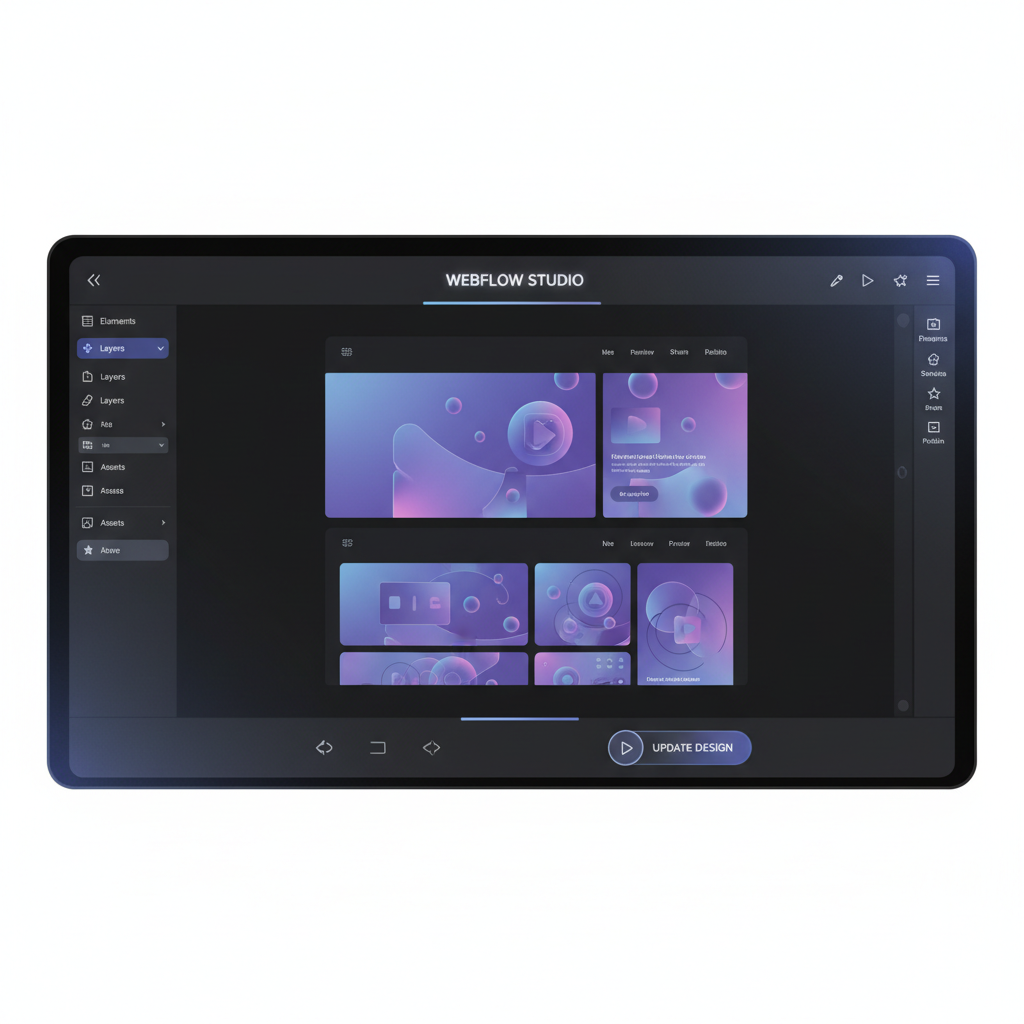
Eliminating Technical Barriers in Web Design
Small business owners, founders, and marketers often delay updating outdated websites because of the high cost of hiring web agencies and the steep learning curve associated with complex front-end code frameworks.
An outdated visual design creates immediate user friction—causing prospective customers to question your business credibility and bounce before completing purchases or submitting lead forms.
Generative AI tools bridge this gap by allowing non-coders to ingest an existing live URL, apply modern design system presets, fine-tune visual components, and download clean, production-ready web code in seconds.
Why Non-Coders Choose AI Web Redesign
1-Click Live URL Ingestion
Paste your existing website link into Redesignr.ai. The neural DOM parser automatically extracts text content, logo assets, brand images, and page structure relationships without altering backend database logic.
Prompt & Visual WYSIWYG Styling Controls
Modify color palettes, swap visual layout themes (Bento Grid cards, Glassmorphism backdrop filters, SaaS Dark Mode), and adjust typography scaling using simple natural language prompts or point-and-click tools.
Automated Mobile Responsiveness & Touch UX
Every AI-generated design is automatically built on responsive CSS flexbox and grid systems, ensuring flawless rendering across smartphones, tablets, foldables, and desktop displays.
Clean Exportable HTML5 & React Code
Download complete, production-ready code bundles that you or your hosting provider can upload directly to Vercel, Netlify, Cloudflare Pages, or custom web servers with zero vendor lock-in.
Benefits of AI Visual Makeovers over Manual Editors
1. Automated Component Spacing & Layout Alignment
Manual page builders require setting margin offsets, padding values, and z-index stacks by hand. AI generators calculate exact layout grid bounds automatically to ensure visual balance.
2. Instant Dark Mode & Typography Theme Switching
Toggle between modern dark mode themes, Bento Grid layouts, and sleek SaaS styling with a single click or prompt input.
Updating a site's design without writing code is genuinely possible now, and where it stops depends almost entirely on which platform you are on. The honest map is platform by platform, because "no coding required" means something different on each one.
What is code-free regardless of platform
Everything up to the point where files or markup need to reach your site.
Generating a redesign from your existing URL, comparing directions, moving and restyling elements in a visual editor, and describing changes in plain language — none of that involves reading or writing markup, and it is the majority of the work.
What varies is the last step, and that is entirely a function of what your platform accepts.
The platforms where pasting is the whole job
WordPress, Squarespace and Shopify all provide somewhere to put markup, which makes the final step a paste rather than a development task.
In WordPress, a Custom HTML block in the page editor, or a custom HTML widget if you use a page builder. In Squarespace, a code block, on plans that include them. In Shopify, a custom section added to the theme.
Pasting into a field is not coding in any meaningful sense. If you are on one of these, the whole path is available without technical skill — though on Shopify anything touching product data still is not.
Where a site-wide CSS change does more
Often overlooked and frequently the better route on a hosted platform.
Most of what makes a site look dated — type scale, spacing rhythm, colour usage, button styling — can be changed by restyling the platform's existing blocks rather than replacing them. Squarespace and Shopify both expose a custom CSS field; WordPress themes generally do too.
The advantage is that you keep the platform's own editing experience. Someone can still add a page next month using the normal editor, and it will match. Replacing sections with pasted markup gradually erodes that.
The closed platform problem
Wix is the main case. It does not accept imported markup as page structure, only iframed embeds, which cannot drive layout.
So the no-code path there is different: use a generated design as a reference and rebuild it in the Wix editor. That is still code-free, and it removes the genuinely hard part, which is deciding what the page should look like. Copying a design you can see is mechanical.
Set the site-wide type and colour settings first, since they apply globally, then work page by page.
Where no-code genuinely ends
Three things need someone technical regardless of platform, and it is better to know before starting.
Anything driven by a database — product pages, blog archives, category listings — is generated from templates, and pasted markup does not fit. Forms need connecting to something that receives submissions. And if URLs change, redirects have to be configured.
That last one is the important one. It is the step whose omission loses traffic, and it is configuration rather than coding, but somebody has to do it.
- Database-driven pages — product, archive and category templates are build work.
- Form handling — styled markup is not a working form until it is wired up.
- Redirects — if paths change, they must be mapped. This is where rankings go.
- Custom integrations — anything talking to another system.
A realistic plan
Start with the site-wide settings your platform already exposes — type, colour, spacing. That is the highest-return change available and it requires nothing but the platform's own interface.
Then take one static page and bring a generated design into it, using whichever paste mechanism your platform provides. See how it goes before committing to more.
And budget an hour for the unglamorous parts: connecting the form, checking it on a phone, and handling any URLs that changed. Those are not coding, they are the steps people forget to plan for.
Everything up to publishing is code-free everywhere. What varies is the last step: WordPress, Squarespace and Shopify accept pasted markup; Wix does not, so rebuild against the design instead.
Frequently Asked Questions
Can I really update my website design with zero coding experience?
Yes. Generative AI tools like Redesignr.ai allow non-technical business owners and marketers to update web designs visually using live URL ingestion, pre-built aesthetic presets, and natural language prompt inputs.
Will updating my website design break my existing page content or SEO links?
No. Redesignr retains your existing text copy, image assets, URL paths, and page structure while completely updating the underlying CSS styling and visual layout containers.
How much time does a no-code AI website design update save?
A traditional agency web design update takes 4 to 8 weeks of manual coding and Figma revisions. With Redesignr.ai, you can ingest your URL and generate a modern visual makeover in under 60 seconds.
Can I connect custom domains to AI-redesigned web pages?
Yes. Because Redesignr exports standard, standalone HTML, CSS, and React code, you can deploy your redesigned site to any hosting provider and point your custom domain seamlessly.
Update Your Design Without Coding Now
Enter your website URL into Redesignr.ai to generate a fresh, modern design in seconds.
Start No-Code Redesign