
There's An AI For That: Lesser-Known AI Tools Worth Trying
Explore generative AI tools for web design, software development, and digital marketing in 2026, plus a quick method for searching AI directories.
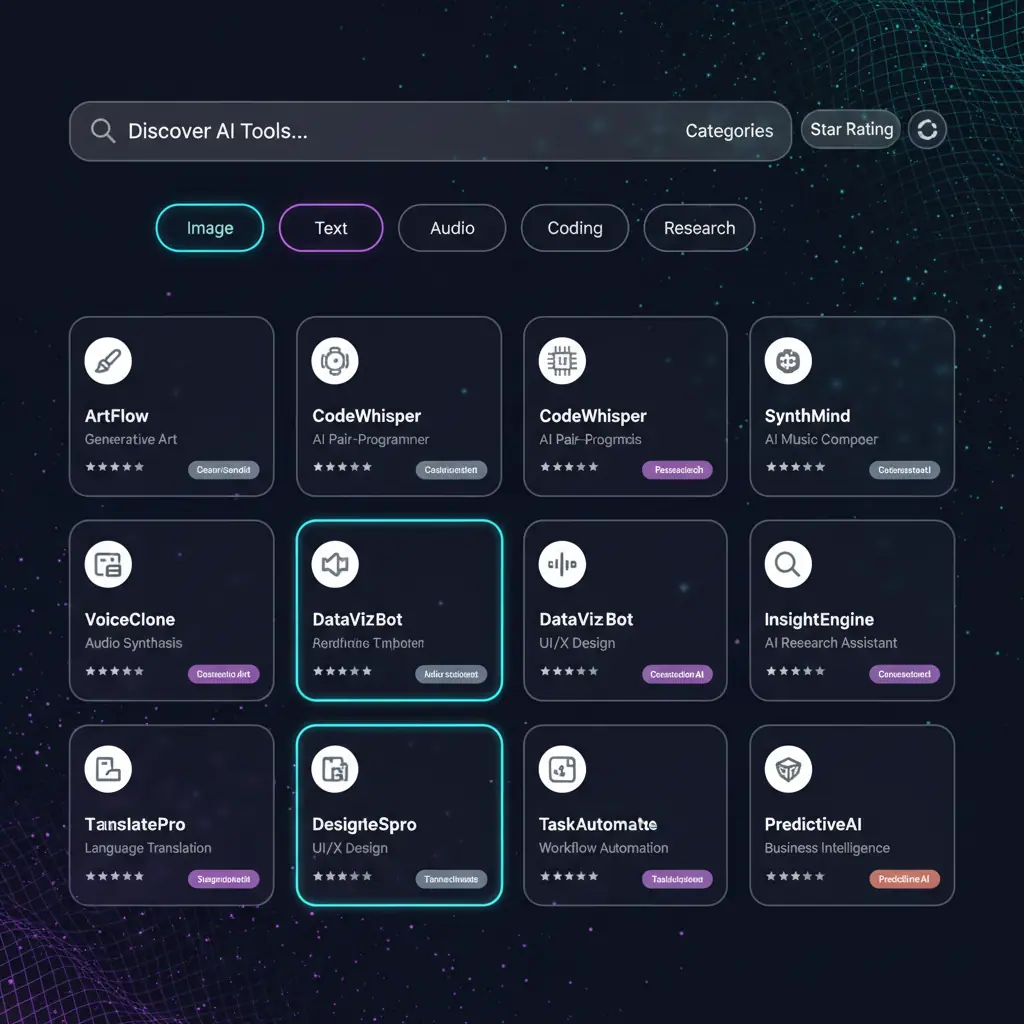
The Explosive Growth of Generative AI Directory Listings
"There's An AI For That" (TAIFT) is a widely used directory for discovering artificial intelligence applications. New tools are added constantly, so finding production-grade ones can be overwhelming.
While many listed tools are simple wrapper APIs, top-tier applications solve complex engineering workflows—such as redesigning a live site from its URL or generating image assets in parallel.
Discovering specialized AI software allows solo creators and development teams to automate repetitive tasks and ship features faster.
Evaluating tools based on user review scores and community engagement metrics highlights software with proven real-world utility.
Integrating the right directory-discovered AI apps into an existing development stack can save web creators real time.
Checking a tool's uptime record before you depend on it helps keep your web generation pipeline reliable.
Staying updated with monthly AI directory additions gives growth teams a competitive edge in rapid software deployment.
Here are four AI tools for front-end web development and digital design worth knowing in 2026.
Top 4 AI Software Applications Highlighted
Disclosure: Redesignr.ai is our own product, and ImageMCP is a sister product made by the same company. Cursor and v0.dev are unaffiliated.
1. Redesignr.ai — URL-to-HTML Website Redesign
Redesignr takes live website URLs and screenshots and generates modernized, mobile-responsive pages you can edit and export as HTML styled with Tailwind CSS.
2. ImageMCP — Multi-Model AI Image Synthesis
A sister product from the team behind Redesignr. Generate high-resolution hero visual assets, transparent PNG icons, and vector SVGs in parallel using unified multi-call API pipelines.
3. Cursor IDE — AI-First Code Editor
Accelerate software development with deep repository context indexing, multi-file code editing, and intelligent inline auto-completion.
4. v0.dev — Component UI Generator
Synthesize shadcn/ui React components from natural language text prompts directly in your browser window.
What Redesignr.ai Does Differently
1. URL Import & Page Parsing
Redesignr automatically ingests existing website content, eliminating manual copy-pasting during website refactoring projects.
2. Clean HTML Export
Paid plans export a ZIP of standalone HTML files styled with Tailwind CSS that you can host anywhere, without builder lock-in.
Directories of AI tools are now large enough that browsing them is its own time sink, and the number of listings has stopped correlating with the chance of finding something useful. A method for searching them is worth more than another list, because the list changes monthly and the method does not.
Search for the task, not the category
The common mistake is browsing a category — "design tools", "writing tools" — and comparing entries. Categories are broad, populated by hundreds of near-identical products, and comparing within one is exhausting and inconclusive.
Start from a task you actually do repeatedly and dislike. Search for that specific task. The results are fewer, more relevant, and immediately assessable because you know what a good answer looks like.
If you cannot name the task, you are browsing rather than solving a problem, and browsing is how the afternoon goes.
Assess in ten minutes, not a trial period
Most tools can be dismissed quickly if you test the right thing, and the right thing is your own hardest case rather than the demo.
Give it the awkward input — the messy document, the unusual page, the edge case that breaks things. Demos are built on clean inputs and every product looks capable on those.
Then check the output you would actually use: the exported file, the generated code, the finished document. Rendered previews look similar across a category; what you take away does not.
The questions that predict regret
Four things worth establishing before adopting anything into a workflow, all of which are answerable in minutes.
What happens to your data. Whether you can export what you make, in a format something else can read. Whether the pricing scales in a way that survives your actual usage. And whether the product is likely to exist in a year — a tool with no visible company behind it and no revenue model is a risk you are taking on.
- Data handling — what is retained, and is it used for training?
- Export — can you get your work out in a standard format?
- Pricing at your volume — not the headline tier, the one you would actually be on.
- Durability — is there a company and a business model behind it?
Beware the discovery trap
Finding tools is enjoyable and feels productive, and it is not the same as getting work done.
The pattern to watch for: signing up for several products, using none of them past the first week, and repeating monthly. The time spent evaluating exceeds the time saved, which inverts the point.
A useful constraint is to adopt one tool at a time and give it a month before evaluating another. Tools compound only when they become habits, and habits do not form in parallel.
The unglamorous ones are usually the winners
The tools that survive in a workflow are rarely the impressive ones. They are the ones that remove a recurring irritation.
Something that transcribes reliably. Something that removes a background cleanly. Something that turns a messy spreadsheet into a usable one. None of these are interesting to demonstrate and all of them get used weekly.
When assessing anything, ask how often you would genuinely use it. Weekly beats impressive, and a tool used once a quarter is a subscription rather than a tool.
Search for a specific task you repeat and dislike, test with your hardest input rather than the demo, and adopt one tool at a time. The ones that stick are usually the boring ones.
Frequently Asked Questions
What is 'There's An AI For That' (TAIFT)?
There's An AI For That is a large, searchable directory of AI tools, organized by task across design, coding, marketing, and productivity.
Why is Redesignr on this list?
We make Redesignr, so weigh this pick accordingly. It is included because it redesigns an existing live site from its URL and exports a ZIP of HTML files styled with Tailwind CSS that you can host anywhere.
Can I try these AI tools for free?
Many of them do. With Redesignr.ai you can start free with 15 credits; check each tool's pricing page for its current free tier.
Try AI Web Redesign
Enter your website URL into Redesignr.ai to generate a modernized landing page you can edit and export.
Start AI Redesign Free